Knowledge base with an AI assistant that runs on your own server with a local LLM.
People at your company ask questions in plain language and get answers from your own documents, with the sources shown. The AI model runs on your server, so you depend on no AI provider. No provider can raise your price, and no question or answer leaves your network.
$ git clone https://github.com/deformator852/archfold && cd archfold$ cd backend && uv run install && cd ..$ deploy/deploy.sh build && deploy/deploy.sh up$ deploy/deploy.sh admin you@company.com

- Answers you can checkEach answer names its sources, and says so when no document has the answer.
- Access that follows your rulesPeople only get answers from documents they may read, and every read is logged.
- One ordinary serverDocker Compose on one Linux machine, from 16 GB of RAM and no GPU.
- Open sourceApache 2.0, with all the code on GitHub and no license server.
Ask a question, get an answer you can check.
Archfold is a private assistant for your company's documents. You upload contracts, policies and manuals, and people ask it questions in a chat, the way they would ask a colleague.
Every answer shows where it came from
Each answer lists the documents it used. Open one to see the exact passage, with the matching words marked.
When no document answers the question, Archfold says so instead of making something up. Each answer is labelled as written by AI.


- Search
- Hybrid: vector search for meaning plus exact keyword matching, so names, codes and numbers are found word for word
- Model
- Runs in Ollama on your server,
llama3.1:8bby default - Answers
- Streamed over WebSockets, marked
ai_generatedin the API
It reads the files you already have
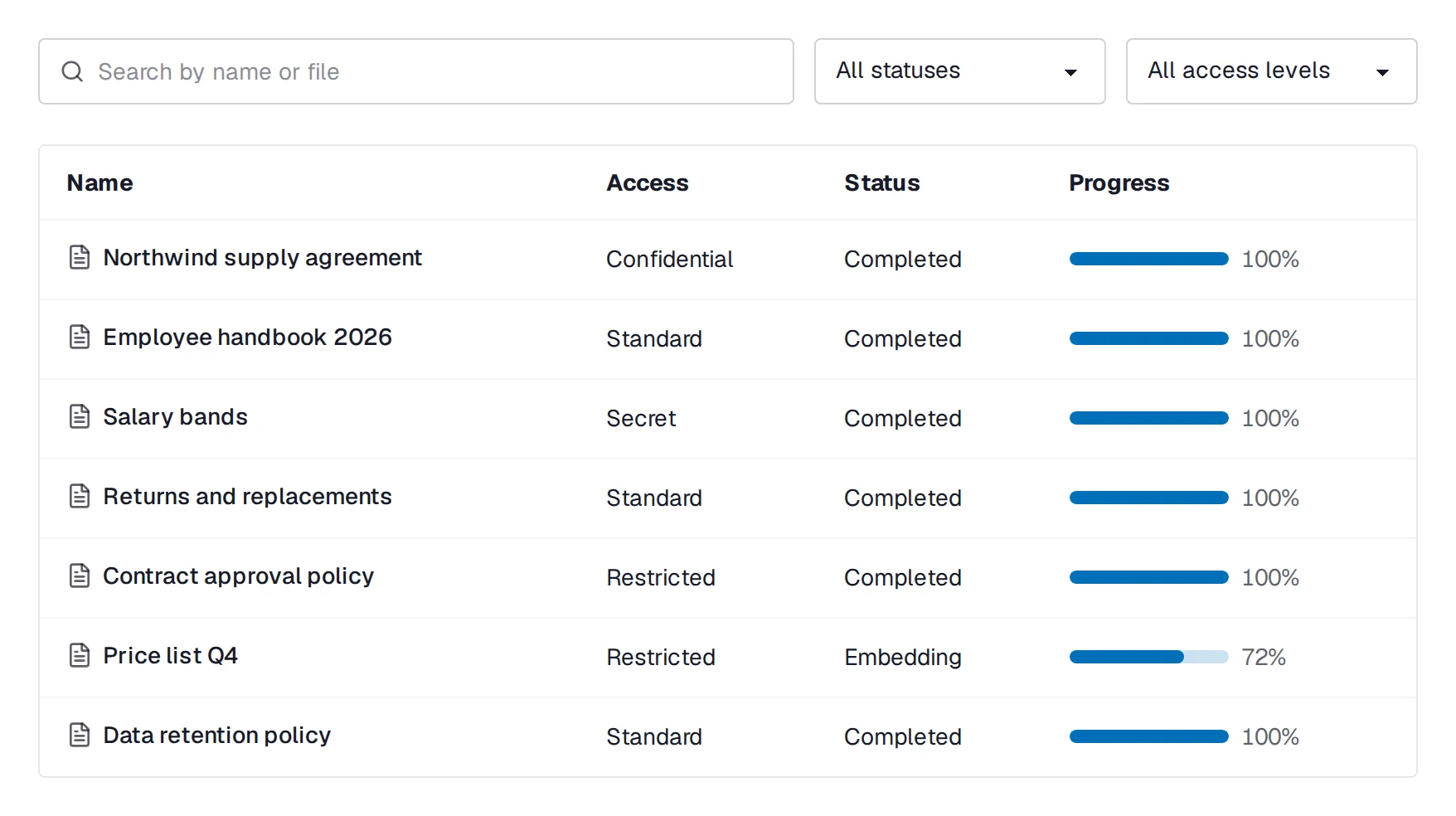
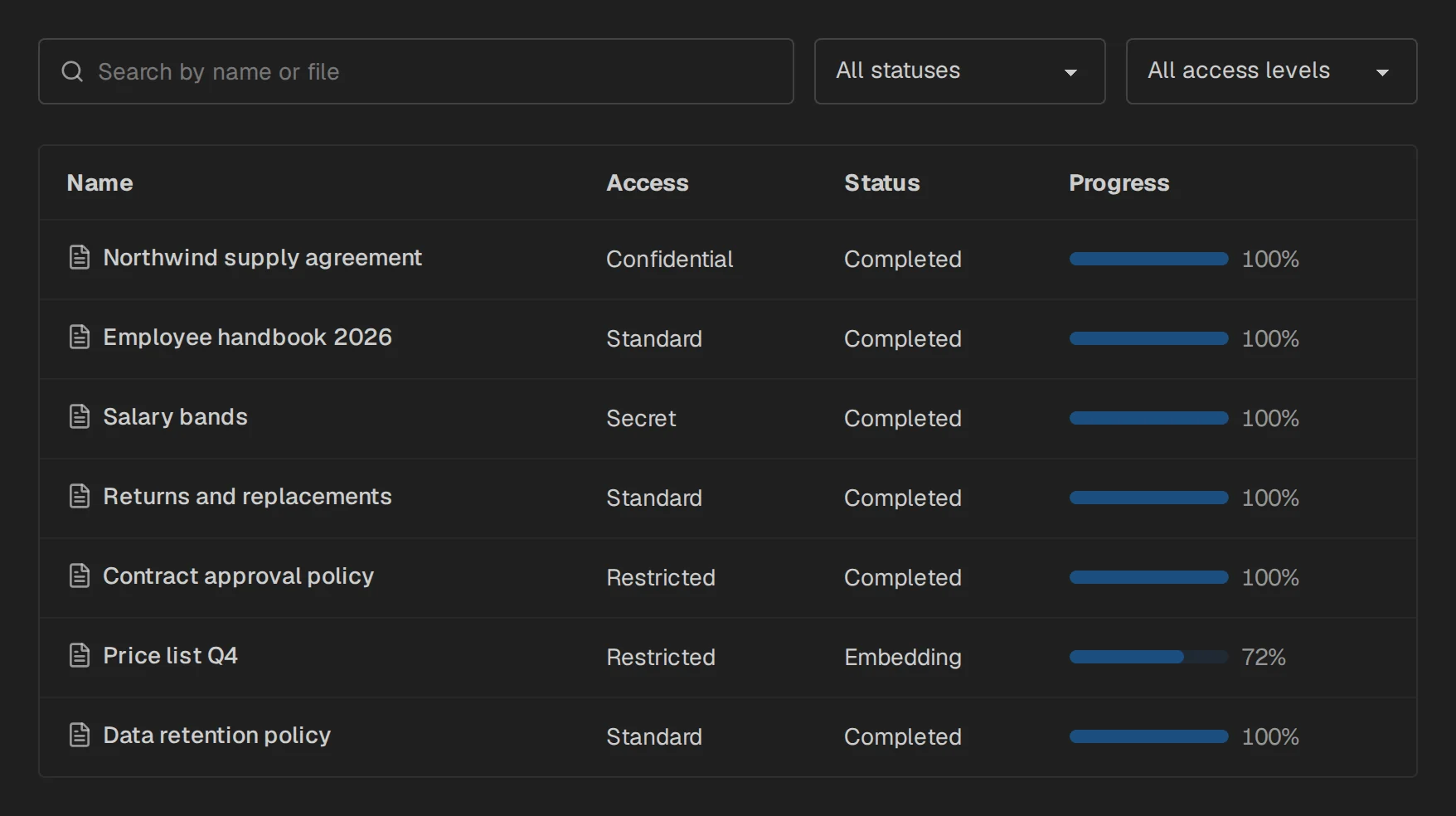
PDF, Word, OpenDocument, Excel, CSV, JSON, XML, Markdown and plain text. Upload up to 50 files at once, 32 MB each, and follow the processing live.
Tables, headings and spreadsheet rows keep their structure, so an answer can quote a table cell or a clause.
- Processing
- A Celery worker with RabbitMQ extracts the text, cuts it at section boundaries, embeds it and indexes it
- Index
- Qdrant, with an open embedding model from Hugging Face
- Chunks
CHUNK_SIZE=800,CHUNK_OVERLAP=150, changeable without losing documents
Everyday administration happens in the browser
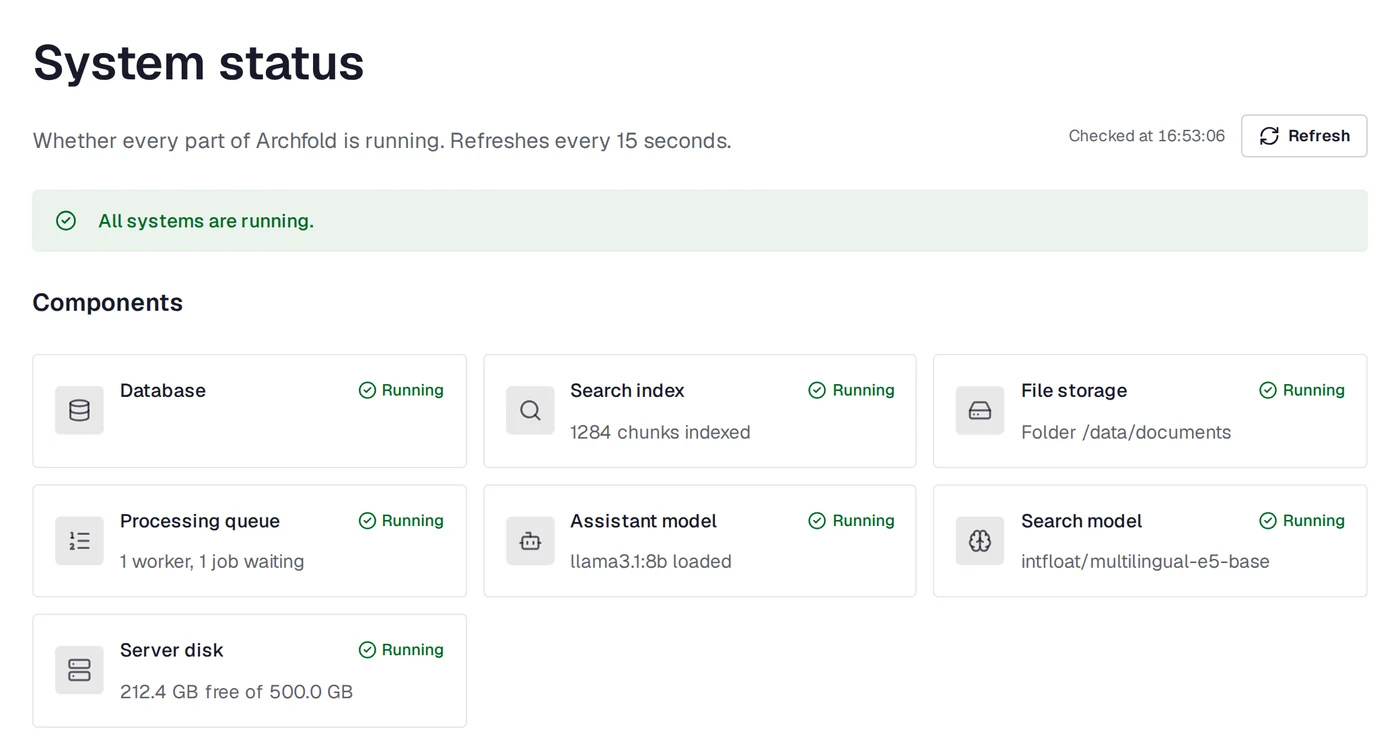
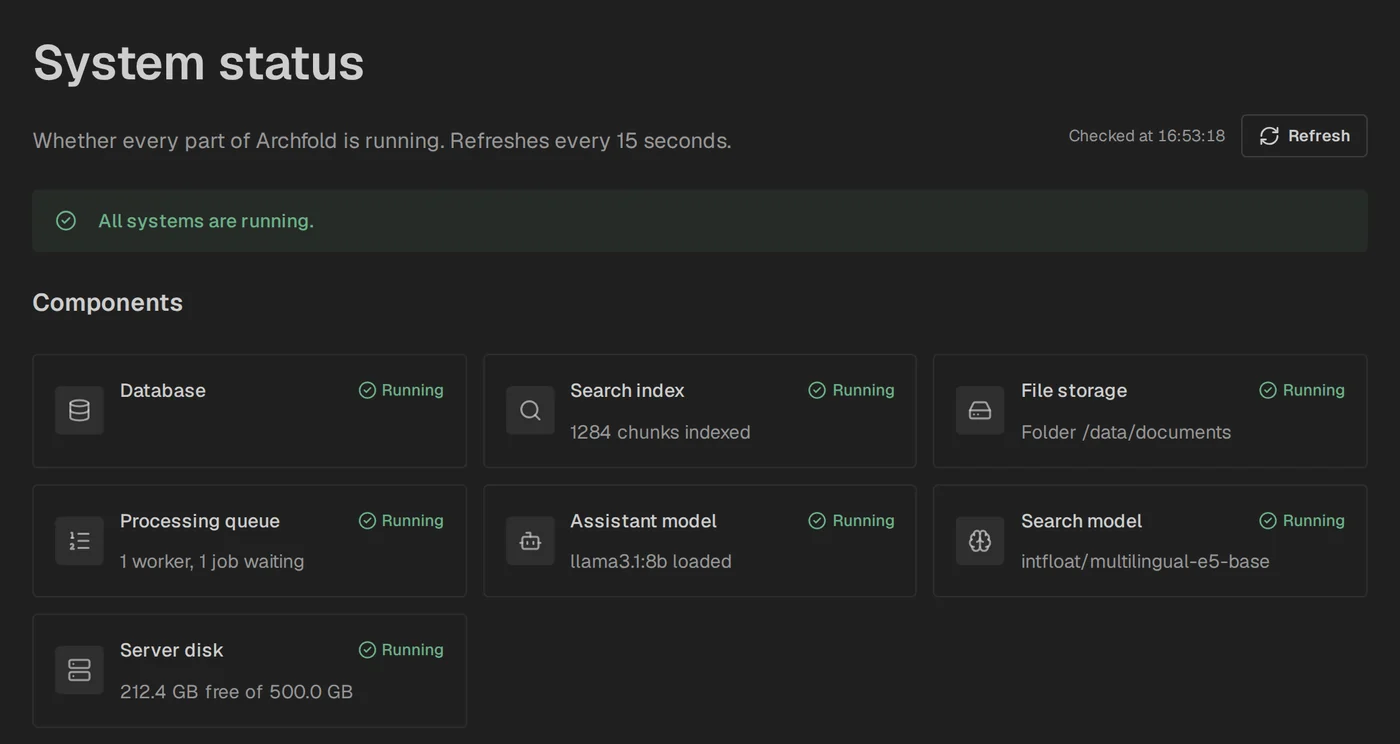
Administrators add people, set roles, review chat history and answer ratings, and check that every part is running, all from the web interface.
Settings such as the AI model or the languages change through one command: uv run configure.
People sign in with their work account
Single sign-on works with Microsoft Entra ID, ADFS, Keycloak, Okta and others. Roles follow the groups in your directory, and disabling a user ends their sessions at once.
Administrators keep a password, so they can still get in when the provider is down.
OIDC_ISSUER=https://login.example.comOIDC_CLIENT_ID=archfoldOIDC_GROUPS_CLAIM=groupsOIDC_ROLE_MAP=Archfold Admins=admin;Legal=legalIn the language your team uses
The interface and the assistant work in English, Spanish and French. Use one language, or let each person pick theirs in the header. Everyone can also switch between a light and a dark mode.
APP_LANGUAGE=enAPP_LANGUAGES=en,es,frChoose a model that answers well in every language you enable.
Everything runs on one server that you control.
Archfold is a Docker Compose stack on a single Linux server. It scales up, not out: a stronger server with a bigger GPU and a larger model serves more people.
Your questions stay inside your company
A cloud assistant sends your questions, and the documents behind them, to someone else's servers, under that vendor's terms and retention policy. Depending on the vendor and the plan, they may also be used to train models.
Archfold has no vendor in the loop. The AI model runs on your server, and once installed, the system has no route to the internet.
| Cloud assistant | Archfold | |
|---|---|---|
| The AI model | On the vendor's servers | On your server |
| Its price | Set by the vendor, and it can change | No fee per user or per question: your cost is the server |
| Your questions and documents | Sent to the vendor, under its terms | Stay on your network |
| Training on your data | Depends on the vendor and the plan | No vendor receives your data |
| Internet | Needed for every answer | Needed only to install |
The server has no way out
After installation, no part of Archfold can reach the internet. People reach one service, the web server, over HTTPS.
The only exceptions are the ones you connect yourself: HashiCorp Vault, your SSO provider and your S3 storage, each through a tunnel to that one address. Document files reach S3 already encrypted.
Your server. Internal Docker networks, with no route to the internet.
People only get answers from what they may read
Each document has one of four access levels: standard, restricted, confidential or secret. The assistant answers only from documents the person asking is allowed to read.
The audit log records who read what, including the documents the assistant read to write an answer.
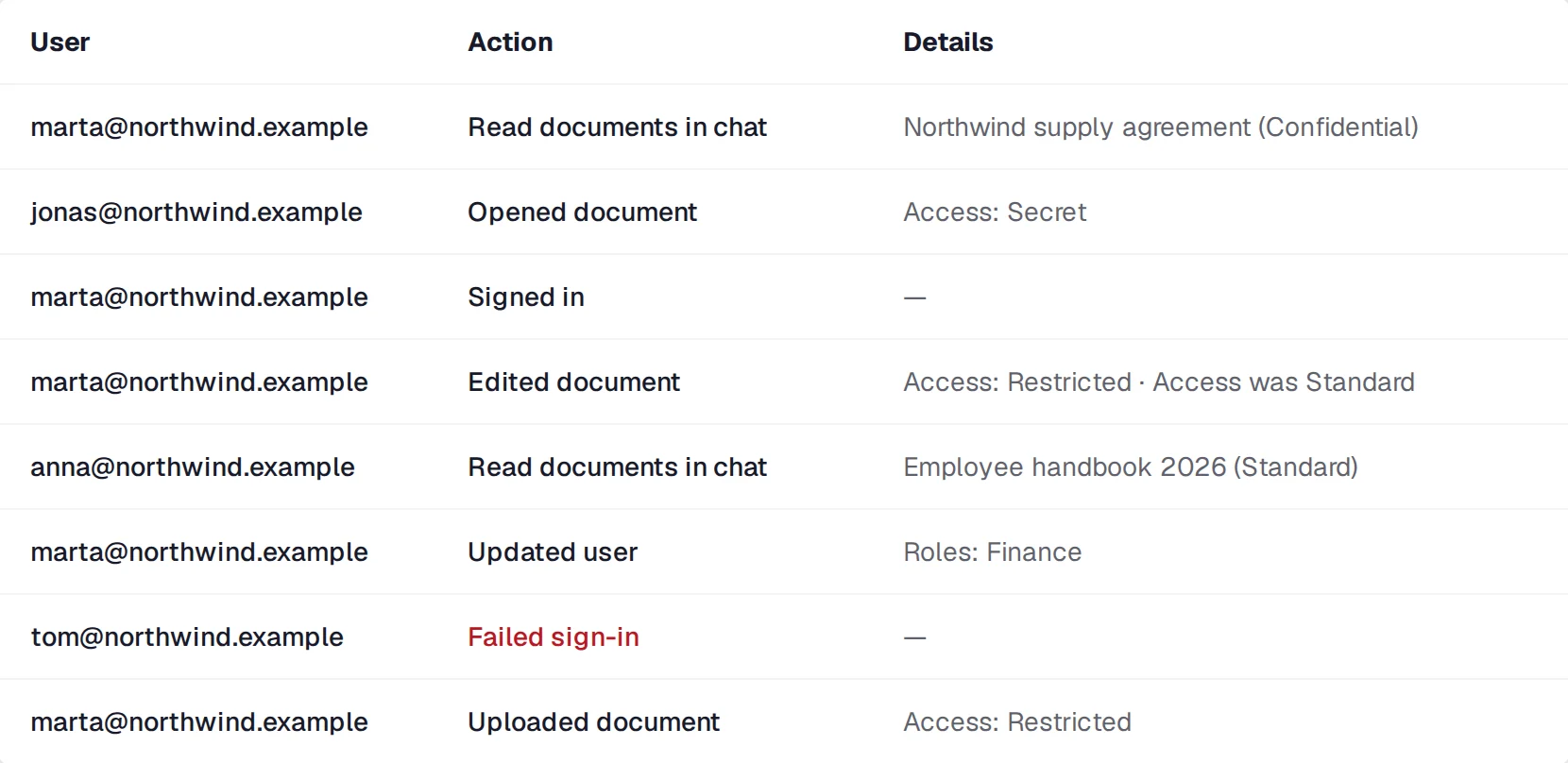
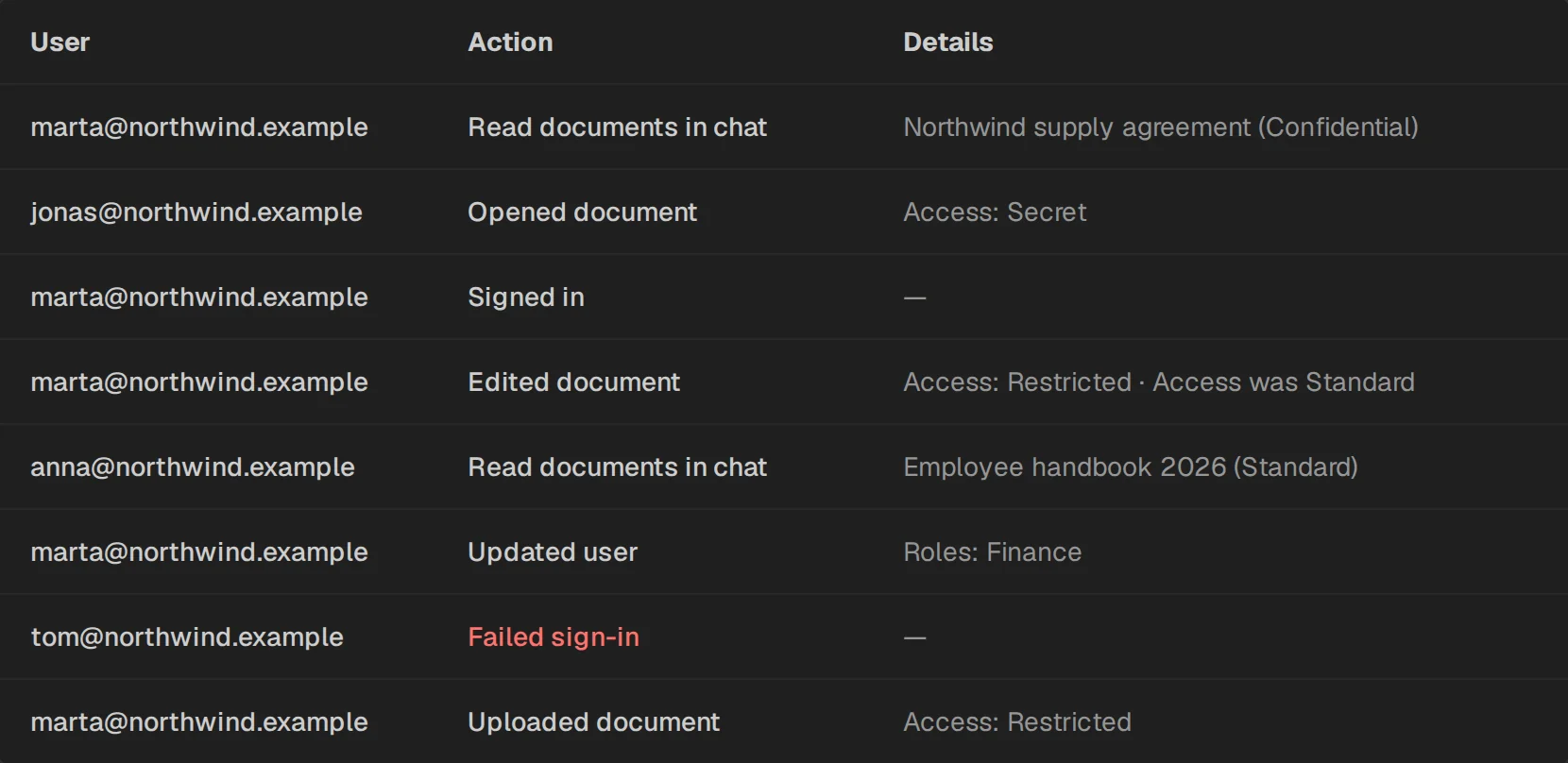
- Levels
- Enforced in the document list, in search and in every answer
- Roles
- Built from permissions, with no way to grant more than you hold
- Audit log
- Sign-ins, changes, document reads, reads of other users' chats
Your data is encrypted with your key
Documents, chats and backups are stored encrypted, and cannot be read without your key. Keep a copy of the key in a safe place outside the server.
A few things are not encrypted by Archfold, and they are listed here. For those, keep the server's data on an encrypted disk.
Encrypted
- Document files
- Document text
- Search chunk text
- Chats
- The error log
- Backups
Not encrypted by Archfold
- Document names
- User emails
- The audit log
- Search vectors
Keep these on an encrypted disk, with LUKS.
- Cipher
- AES-256-GCM
- Key
- In
backend/.envor HashiCorp Vault. Archfold refuses to start with a key that does not match the data. - Rotation
deploy/deploy.sh rotate-keyre-encrypts everything
Your developers can add to it without forking
Your own features live in two folders that updates never touch, so you keep receiving updates.
That covers API endpoints, permissions, database tables and migrations, background tasks, pages, sidebar links, translations and themes.
from fastapi import APIRouter, Depends

from api.deps import require_permission

PERMISSIONS = (("crm.report", "CRM report", "View the CRM report"),)
router = APIRouter(prefix="/crm", tags=["crm"])


@router.get("/report")
async def report(_user=Depends(require_permission("crm.report"))) -> dict:
    return {"ok": True}
Installs on one Linux server, with one script.
Anyone comfortable with a Linux server and Docker can do it, with no Kubernetes or DevOps team. A guided setup picks the models and generates every password and key.
What you need
- Server
- 64-bit Linux, an x86-64 CPU with AVX2, an SSD. See the sizes under Hardware.
- Software
- Docker with Docker Compose v2,
gitanduv. NVIDIA GPUs need the NVIDIA Container Toolkit. - Host name
- Such as
archfold.company.local - Internet
- Only during installation, to download the AI models
Get the code and run the guided setup
$ git clone https://github.com/deformator852/archfold && cd archfold$ cd backend && uv run install && cd ..# Keep the encryption key it shows in a safe place outside the serverSet the address and the certificate
SITE_ADDRESS=archfold.company.localTLS=internalBuild and start
$ deploy/deploy.sh build$ deploy/deploy.sh upCreate the first administrator
$ deploy/deploy.sh admin you@company.com# then open https://archfold.company.local
Keeping it running
Updates, backups and restores use the same script. Database migrations run on start, and your extensions stay as they are.
# Update$ git pull$ deploy/deploy.sh build && deploy/deploy.sh up # Encrypted backup, and restore after checking every part of it$ deploy/deploy.sh backup /path/to/backups$ deploy/deploy.sh restore /path/to/backups # Change settings$ cd backend && uv run configureStarts on a 16 GB server with no GPU.
An 8B model answers on an ordinary server. Add a GPU later for answers several times faster, or a bigger one for more people. Without a GPU, an answer takes tens of seconds.
Small
Up to 50 users
- AI model
- llama3.1:8b (default) or qwen3:8b
- Minimum
- 4 CPU cores, 16 GB RAM, 80 GB SSD, no GPU
- Recommended
- 8 CPU cores, 32 GB RAM, 200 GB SSD, GPU with 12 GB VRAM
- Answers at once
- 1 to 2 on CPU, 4 with a GPU
Medium
50 to 500 users
- AI model
- gemma3:12b
- Minimum
- 8 CPU cores, 32 GB RAM, 150 GB SSD, GPU with 16 GB VRAM
- Recommended
- 16 CPU cores, 64 GB RAM, 500 GB NVMe SSD, GPU with 24 GB VRAM
- Answers at once
- 2 at minimum, 4 recommended
Large
500 users and more
- AI model
- gemma3:27b or qwen3:32b, llama3.3:70b for the best answers
- Minimum
- 16 CPU cores, 64 GB RAM, 500 GB NVMe SSD, GPU with 48 GB VRAM
- Recommended
- 32 CPU cores, 128 GB RAM, 1 TB NVMe SSD, 80 GB VRAM or more
- Answers at once
- 4 or more
These are estimates for the default context of 16,384 tokens. Plan disk space for the Docker images (about 20 GB), the AI models (5 GB for an 8B model, about 43 GB for a 70B one) and about twice the size of your documents. Keep backups on another machine.
Built in the open
Bug reports and pull requests are welcome. Open an issue before a large change, so you do not build something that cannot be merged.
Built and maintained by Nikita Kostenko, an independent developer: LinkedIn, GitHub, nikitakostenko.com.
- README
- Features, settings and every command
- Deployment guide
- Installation, SSO, S3, backups, disk encryption, Vault, troubleshooting
- Customization guide
- Extensions in
custom/: endpoints, pages, themes, migrations - Changelog
- What each version changes
- Contributing
- The checks to run and what a change must include
- Security policy
- How to report a vulnerability